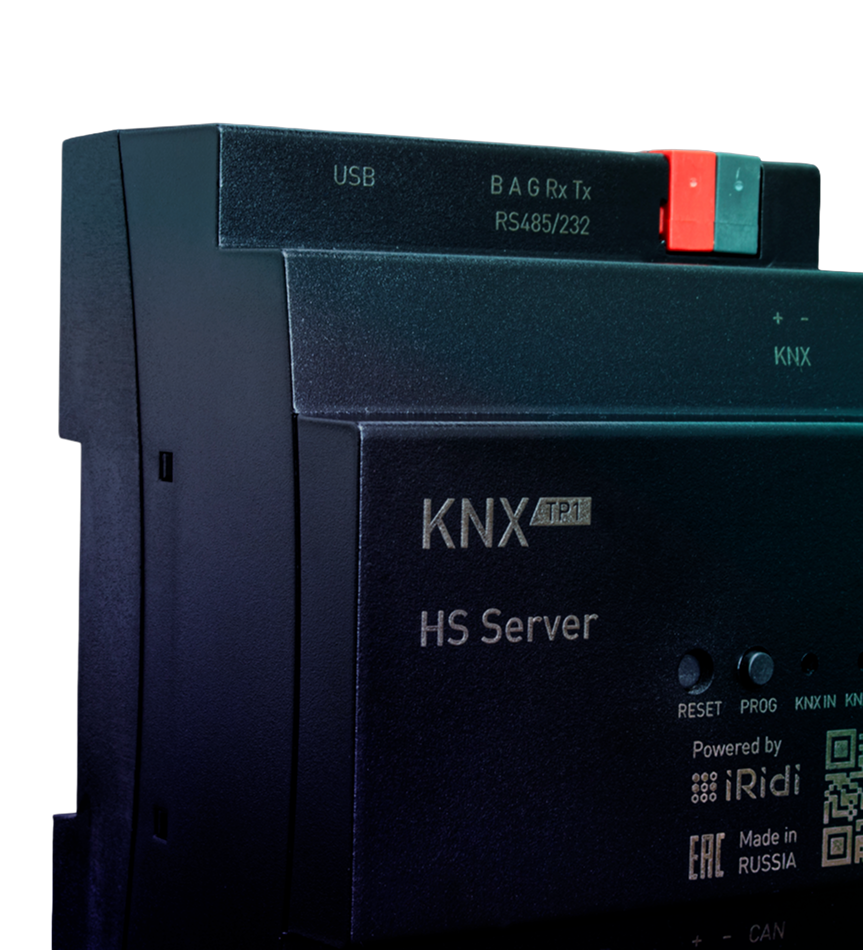
KNX Home Server
A controller, cloud service and smart visualisation app for creating affordable KNX control systems in apartments, offices and country homes.
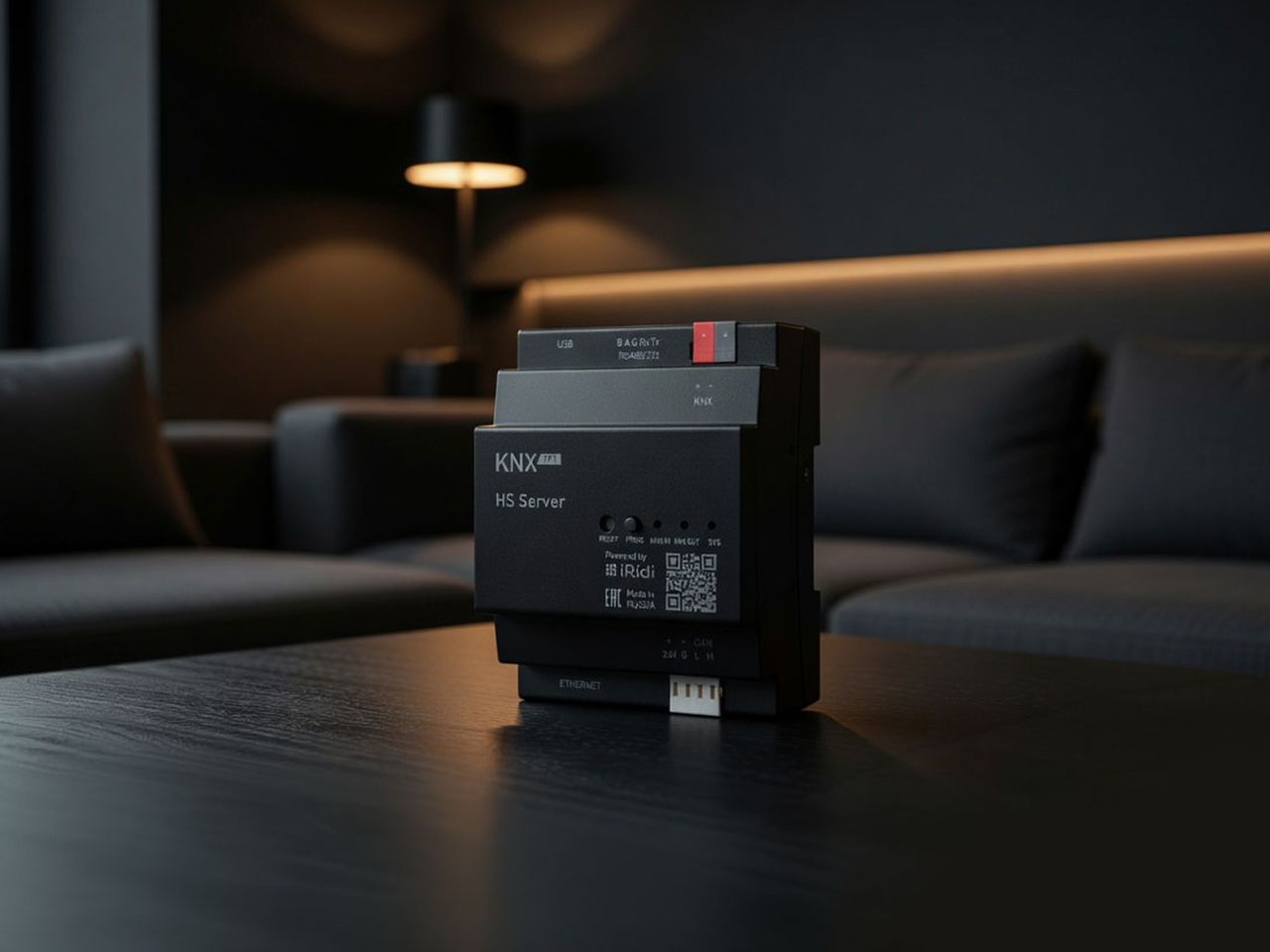
Apartment and office automation without programming
For most KNX apartment and office projects, straightforward logic and standard interfaces are enough. What matters is reducing programming work and launching the project faster, while still supporting remote and voice control, cameras and SIP.
KNX Home Server addresses this need. It connects to the KNX bus over TP1 and programs devices from ETS; integrates SIP intercoms, IP cameras and Samsung TVs; supports schedules, rules, timers and notifications; provides secure remote and voice control; and makes interface creation fast.
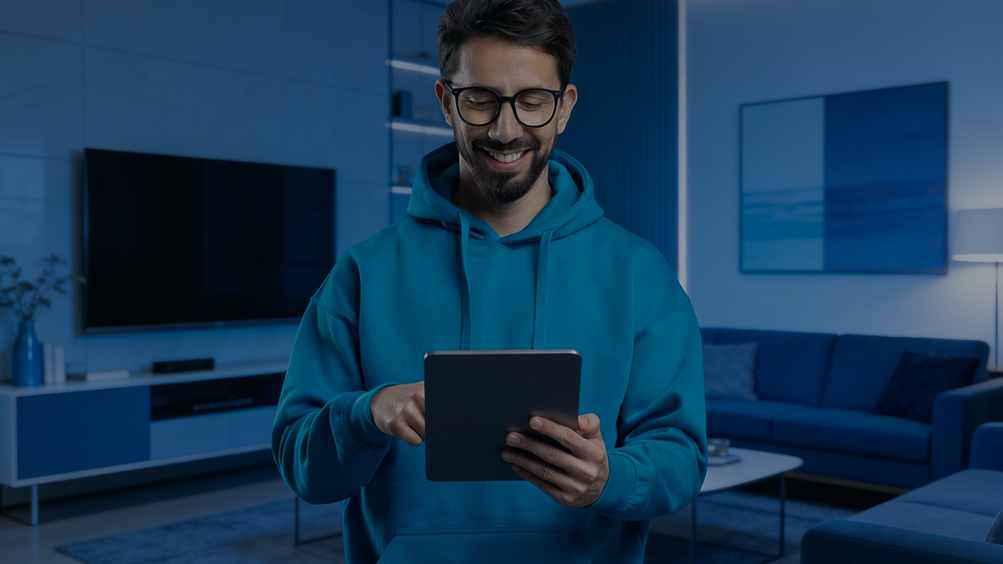
Set up and control your system in the i3 KNX app
The workflow is designed for flexibility and convenience. Work on a Windows laptop or use an iOS or Android device. Start configuring the system on a tablet at the site, then continue on the same tablet back at the office. The app works consistently across all these platforms. It is a native app rather than a web interface, so it responds faster.
See the full setup process, from creating a project to handing it over to the customer, in seven minutes.
 KNX TP1-256 interface
 Secure remote control
 SIP intercom and IP camera integration
 Build interfaces from ready-made widgets
 Voice assistant integration
 Push and email notifications, event log
 Bus programming from ETS
 Timers, schedules and scenes
Connecting KNX devices
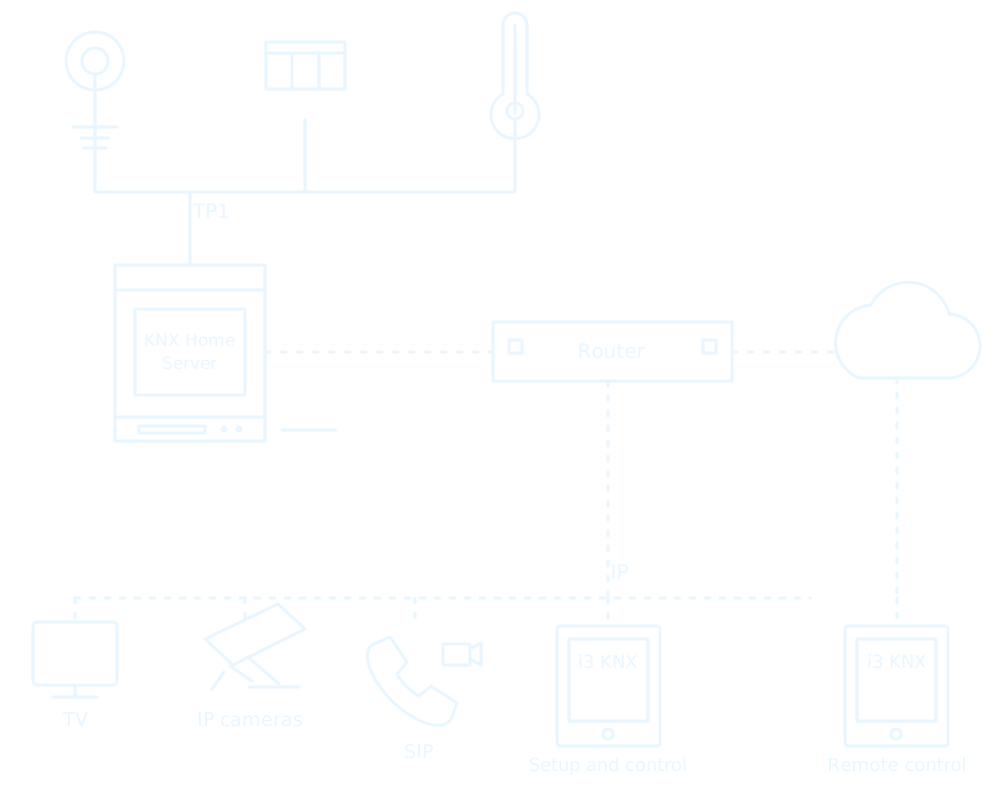
KNX devices are programmed and connected to KNX Home Server through the TP1-256 interface or any external KNX IP interface. The recommended maximum is 1,000 group addresses for control.
IP cameras, SIP and TVs connect over IP. Remote control lets you react quickly to unexpected events, wherever you are. For security, it works only through the cloud, without open ports or a public IP address. Data is relayed through the cloud, not stored there.
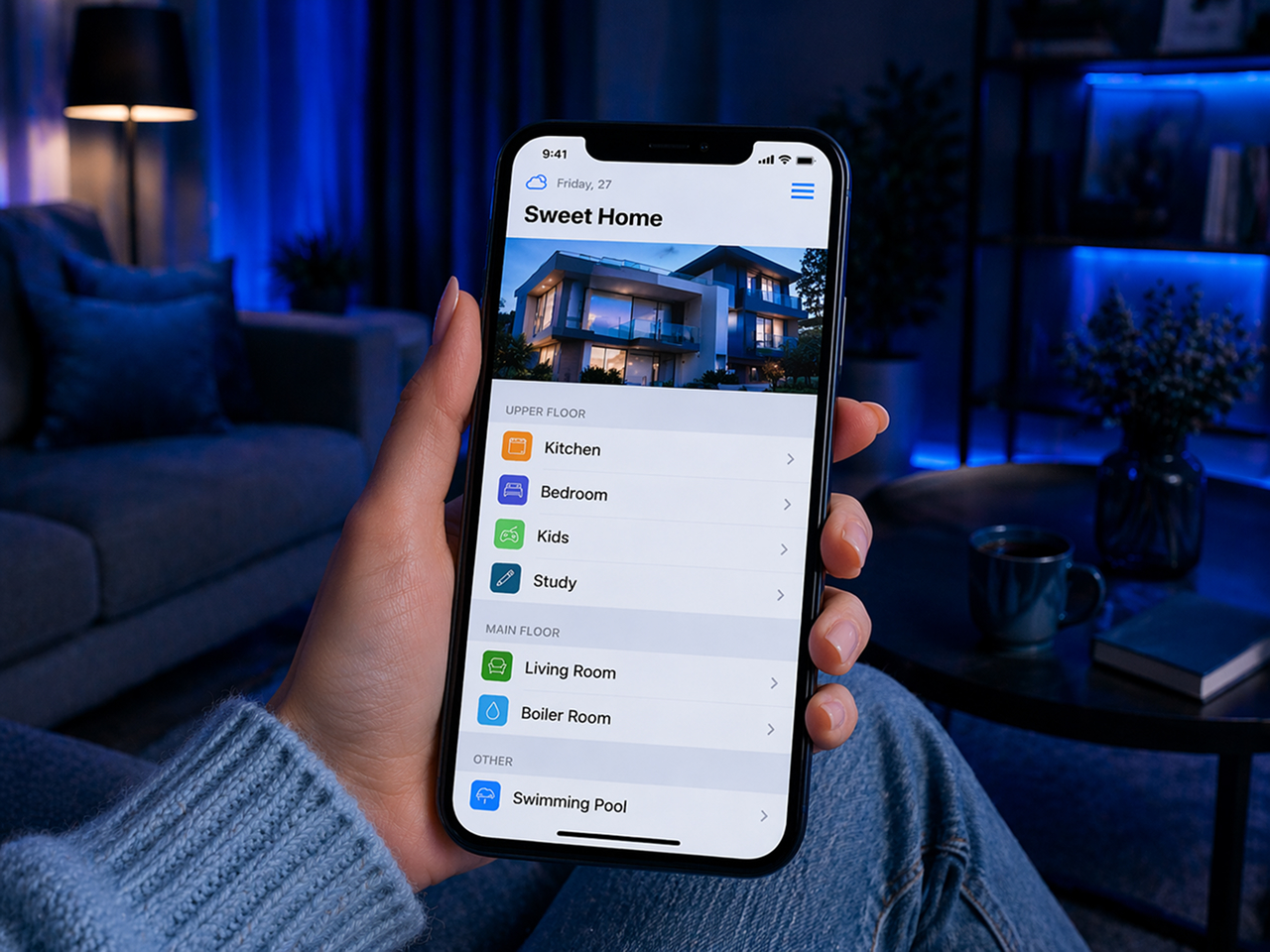
Quick setup and home structure
The home structure, including floors and rooms, can be imported automatically from an ETS project or created manually from templates. You can change room names, icons and colours, and add your own sections, such as a separate floor for controlling the entire home.
Manual KNX setup is kept to a minimum. Import the ETS project into the app and link group addresses to widgets with one click. Existing links are preserved when you import the project again, while new devices are simply added to the list.
Control, scenes and automation
The system brings together the main ways to control a home: the app, voice commands through Alice, Alexa and Google Home, IP cameras, SIP telephony and dedicated intercom widgets. A built-in camera URL database speeds up setup, and low-resolution streams can be used to reduce the load.
Automation is built around scenes. Trigger them with a button, a condition, a schedule, astronomical timers, modes or timers for individual KNX devices. This covers simple actions as well as more complex scenes, such as leaving home, watching a film or switching on lights automatically when motion is detected.
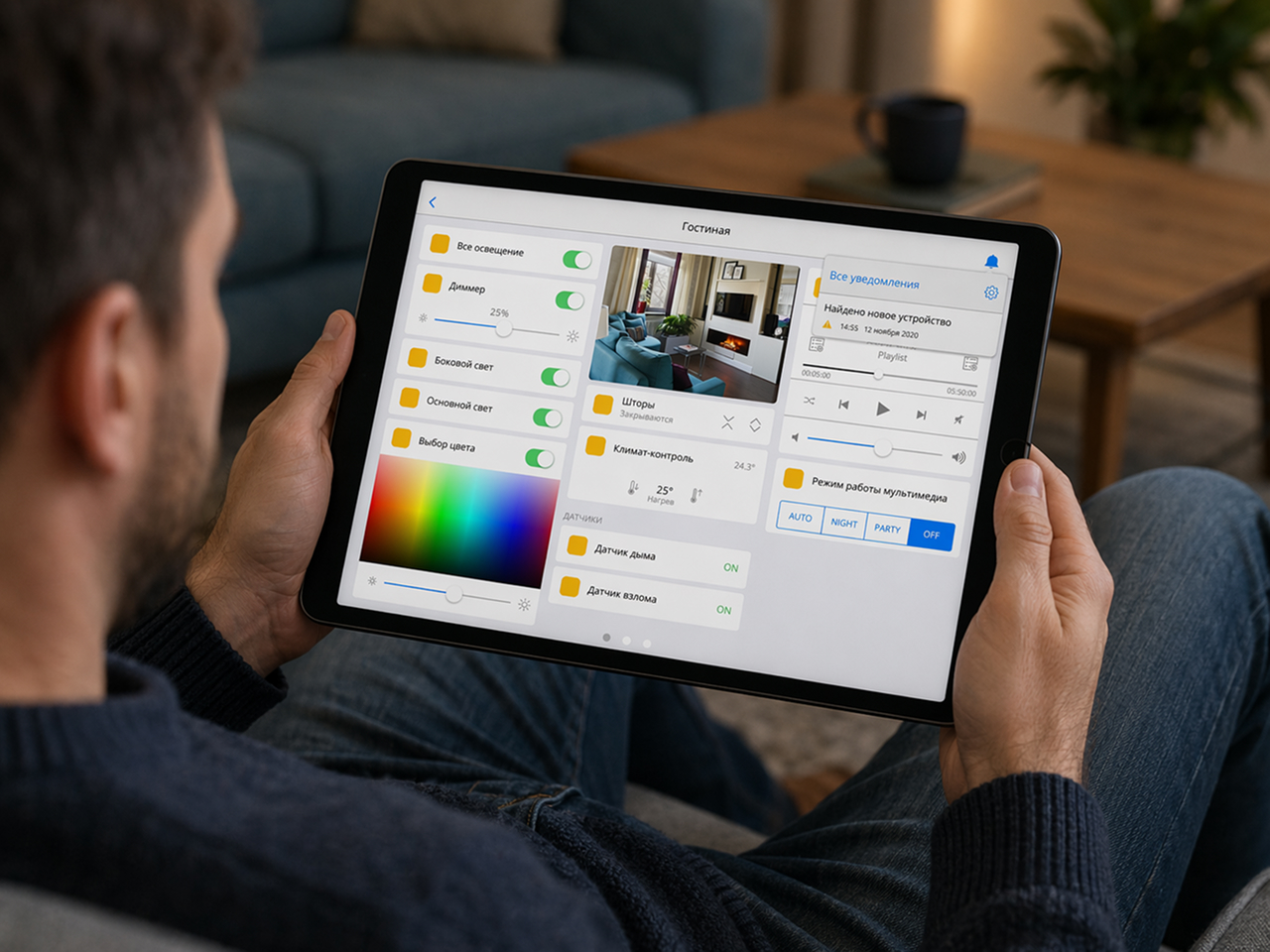
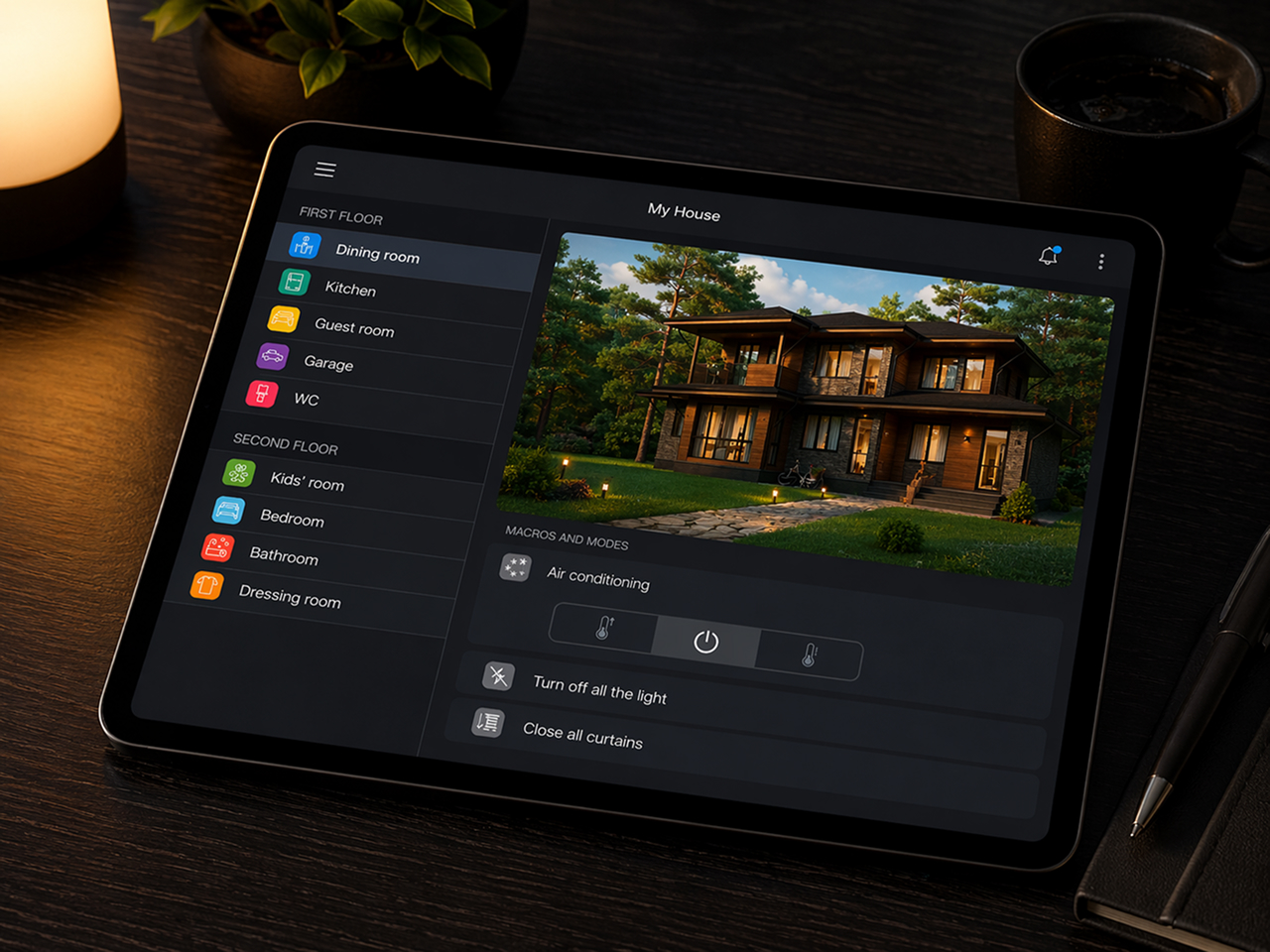
Security, access and customisation
Remote control works securely through the cloud, without open ports or a public IP address. Data is only relayed, not stored, and all connections are outbound. The system supports up to 25 control panels, updates device statuses instantly and lets the owner add users independently.
Flexible permissions can restrict access to rooms, logic, the interface and notifications. Tailor the interface to each home by rearranging widgets, adding photos, configuring the start page and choosing a light or dark theme. Notifications arrive in the app and by email, while the event history remains available in the log.
Want to learn more?
We can help you decide whether KNX Home Server fits your needs or recommend a more suitable product.