Equipment
Scene switches, sensors and actuators control lighting, climate, blinds and building systems. Select devices to suit each property.


A system for designing, installing and commissioning automation projects for apartments, houses, commercial properties and residential developments, based on the Bus77 protocol.

Bus77 Pro combines automation devices, the Bus77 bus and software tools. Choose the system components and setup method to suit the project.
Scene switches, sensors and actuators control lighting, climate, blinds and building systems. Select devices to suit each property.
Bus77 Home helps you set up a project quickly from a tablet. iRidi Studio lets you create a custom interface, complex logic and integrations with other systems.
The bus connects devices into one system. The protocol enables fast data exchange, protects against unauthorized access and supports projects of different sizes. Protocol documentation

Control, automation and integrations work together in a system tailored to the property.
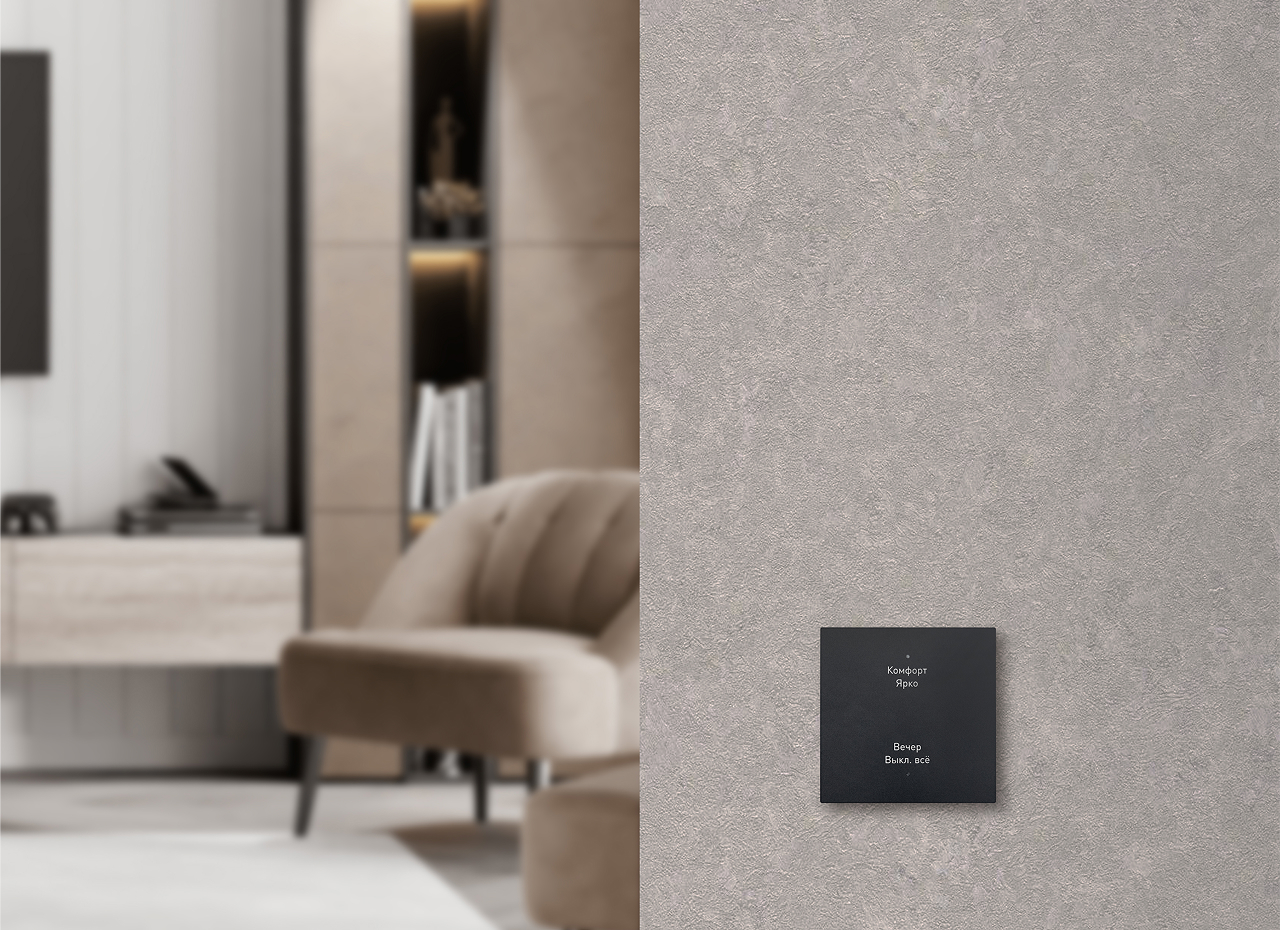
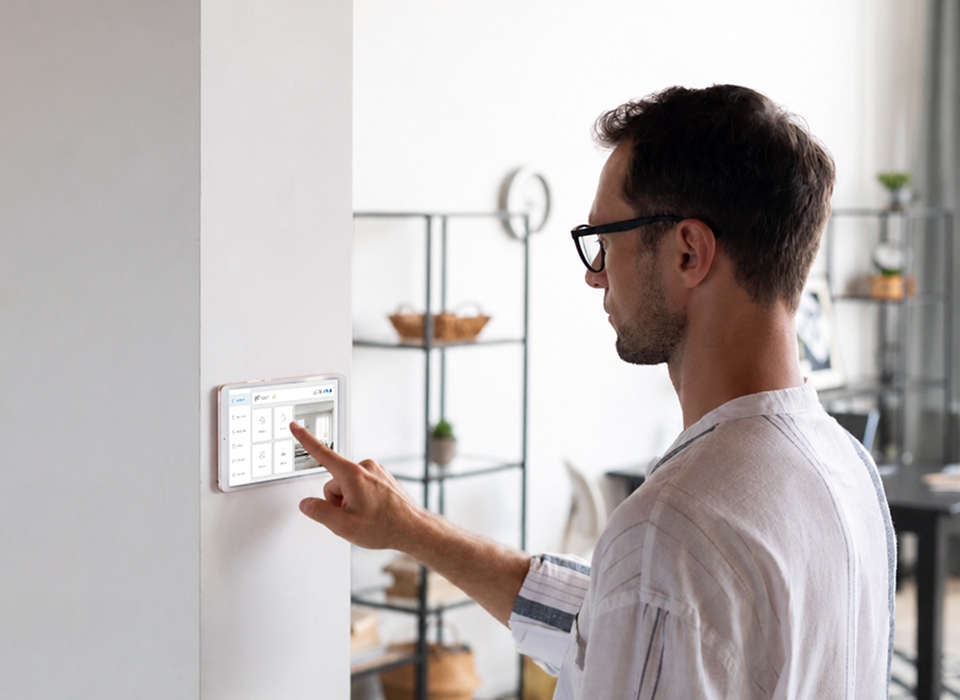
Scene switches, touch panels and the app let you control lighting, climate and blinds, and launch configured scenes. Choose the controls that suit the property and its users.
Sensors, schedules and rules let the system respond to events without constant input. For complex projects, you can configure the logic in iRidi Studio.
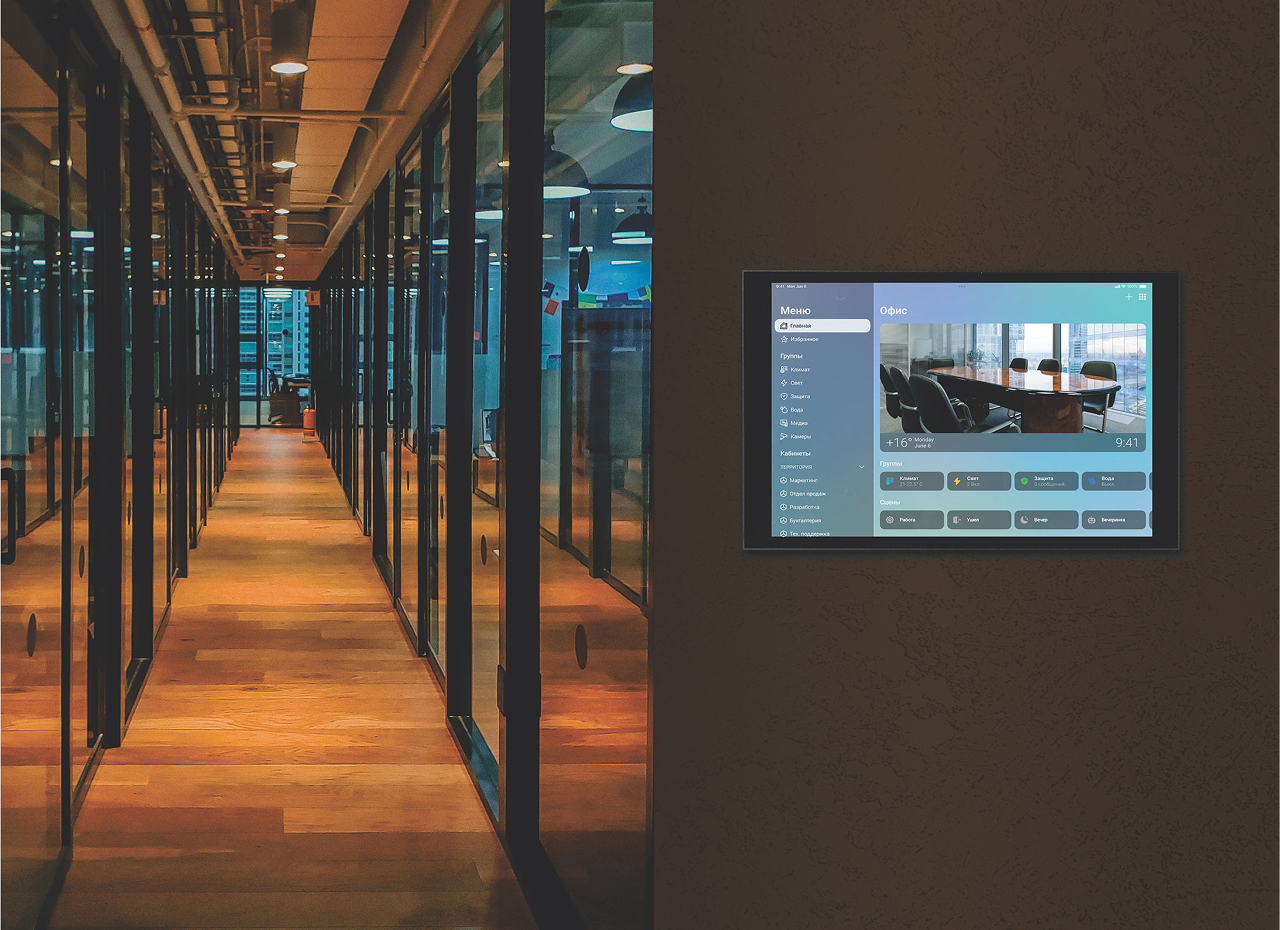
Bus77 Pro connects devices on the Bus77 bus with other automation systems. Bus77 Integration Server helps configure how they work together and provides a unified control interface.
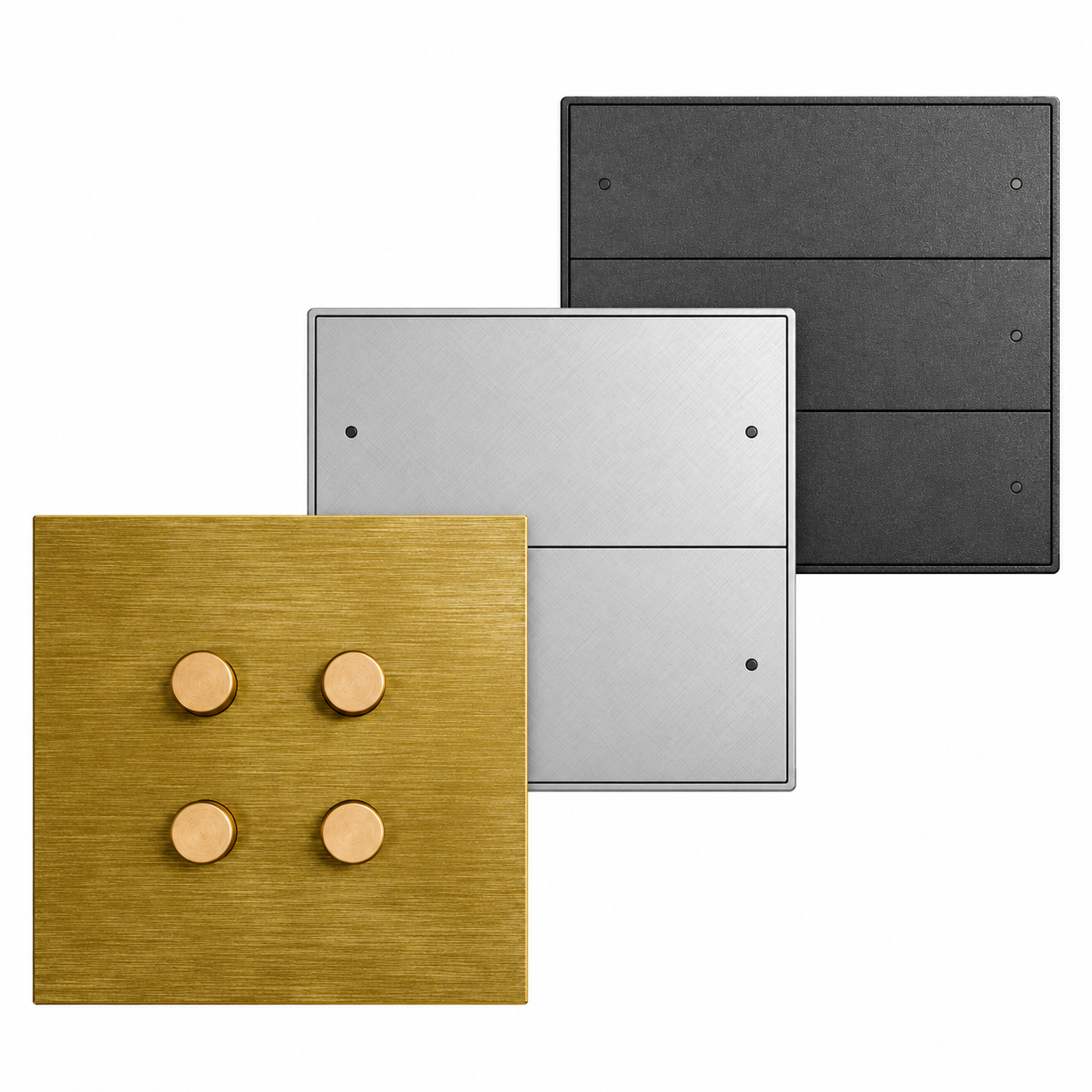
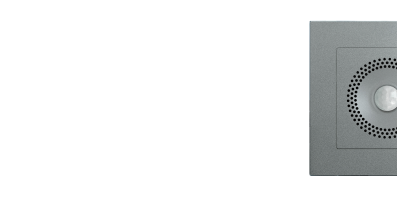
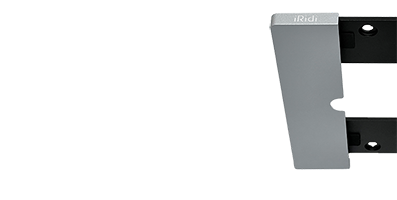
Scene switches launch scenes, control lighting groups and blinds, and measure the ambient temperature.
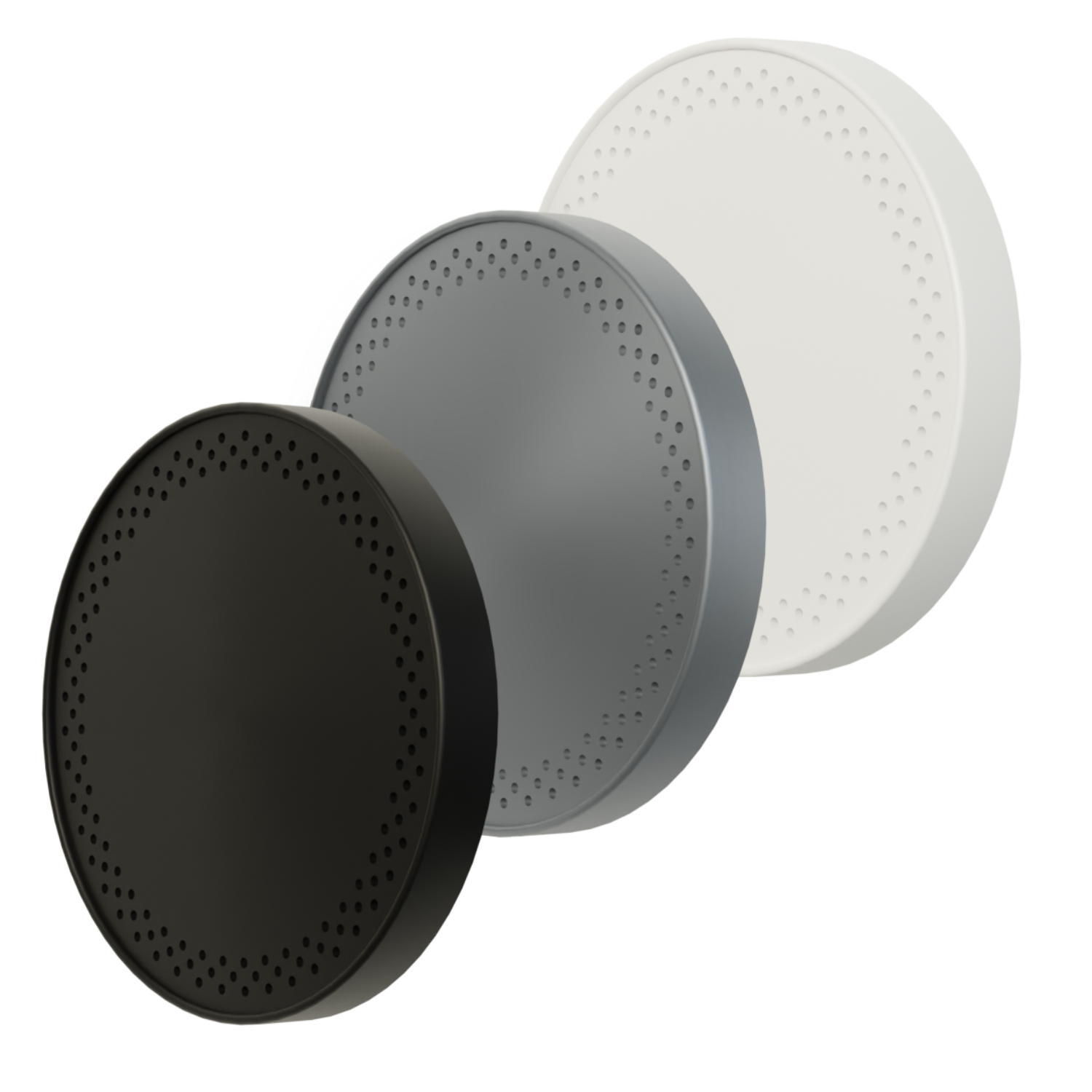
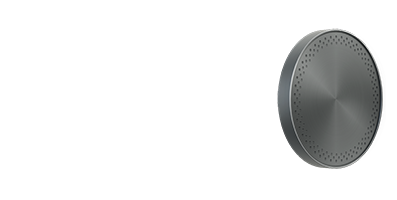
Measure indoor climate conditions, including ambient temperature and CO2 concentration.
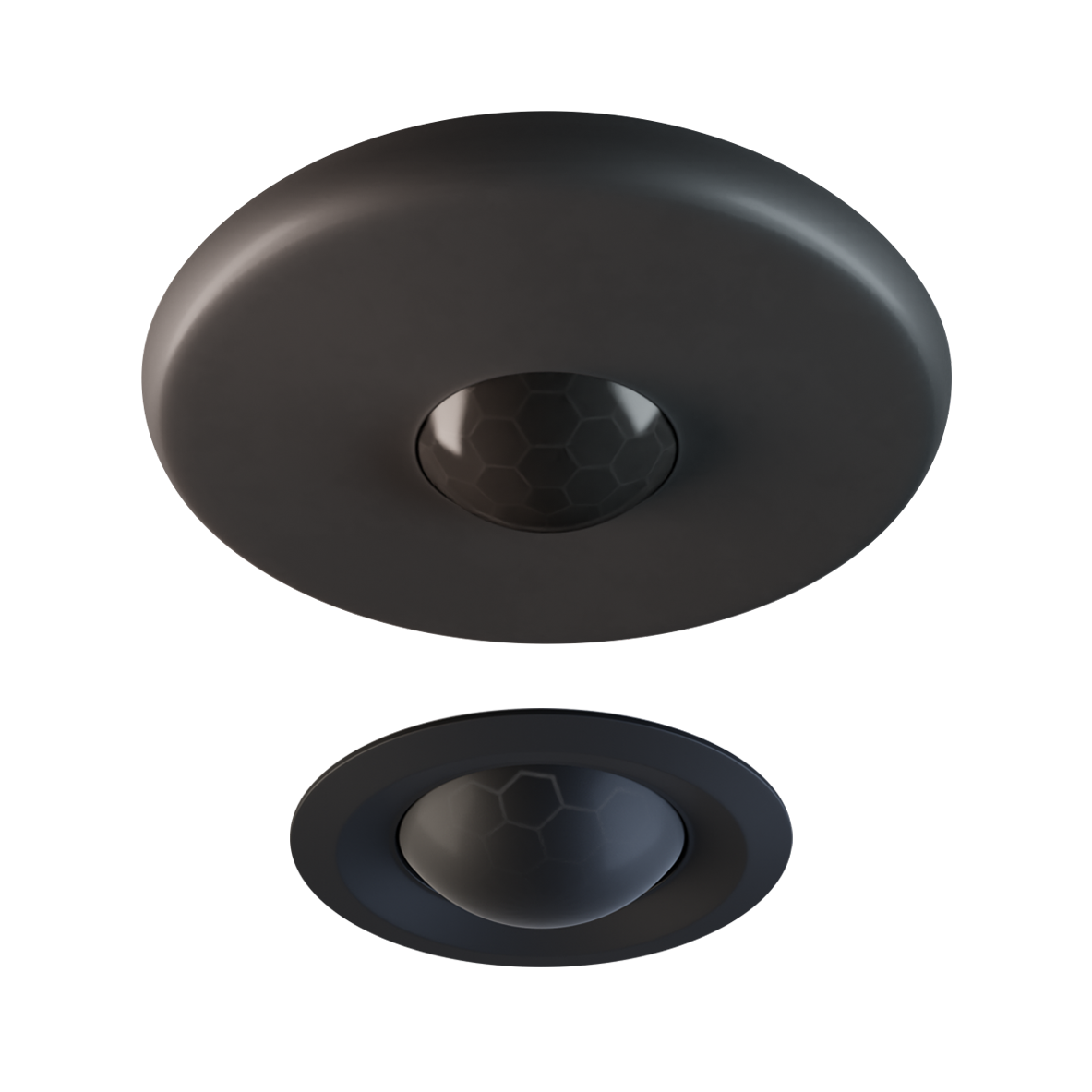
Detect movement and control relay or dimmable lighting groups according to light levels.
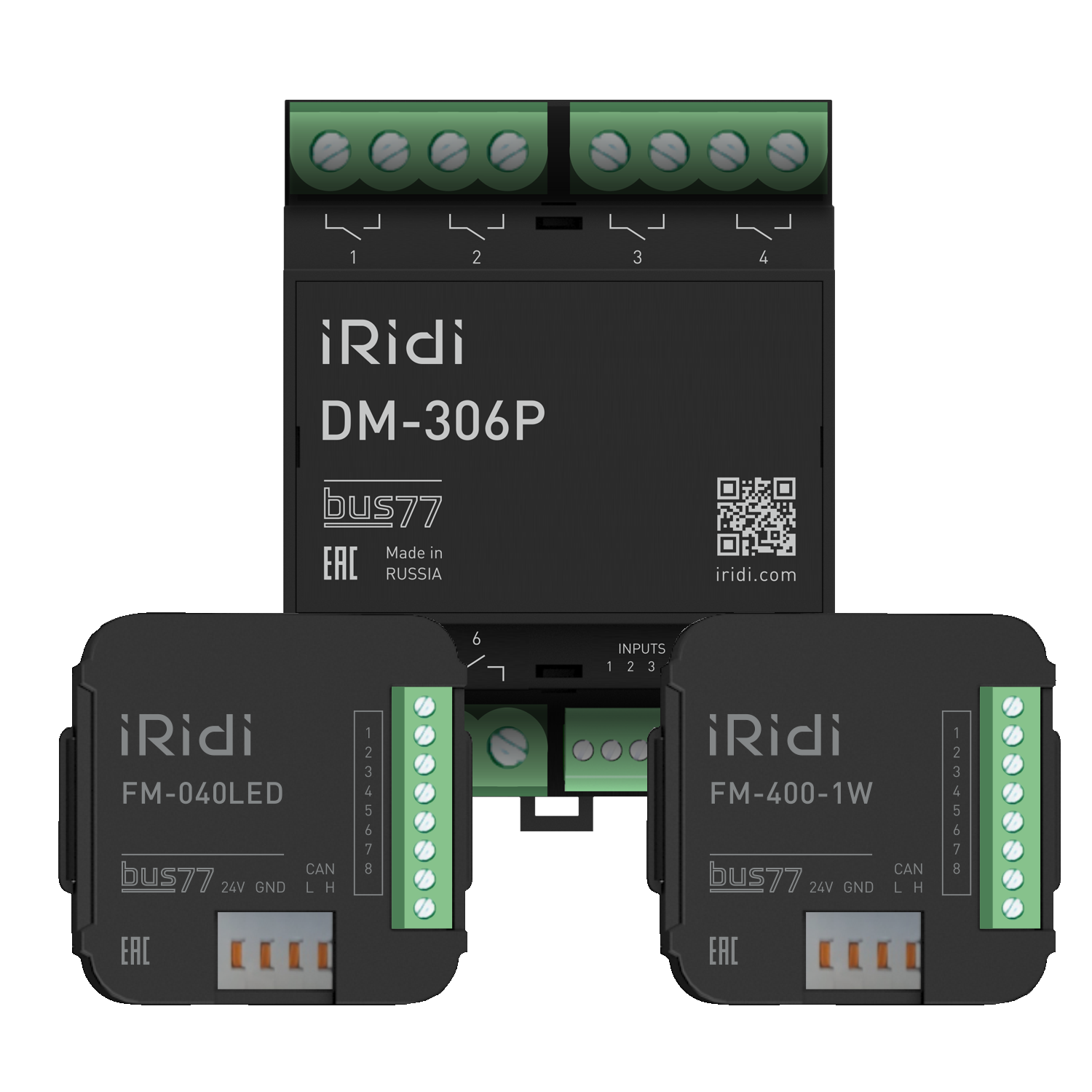
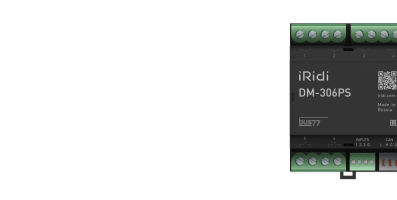
Modules control lighting and socket groups, electric and water heated floors and other loads. They also collect data from sensors and devices.
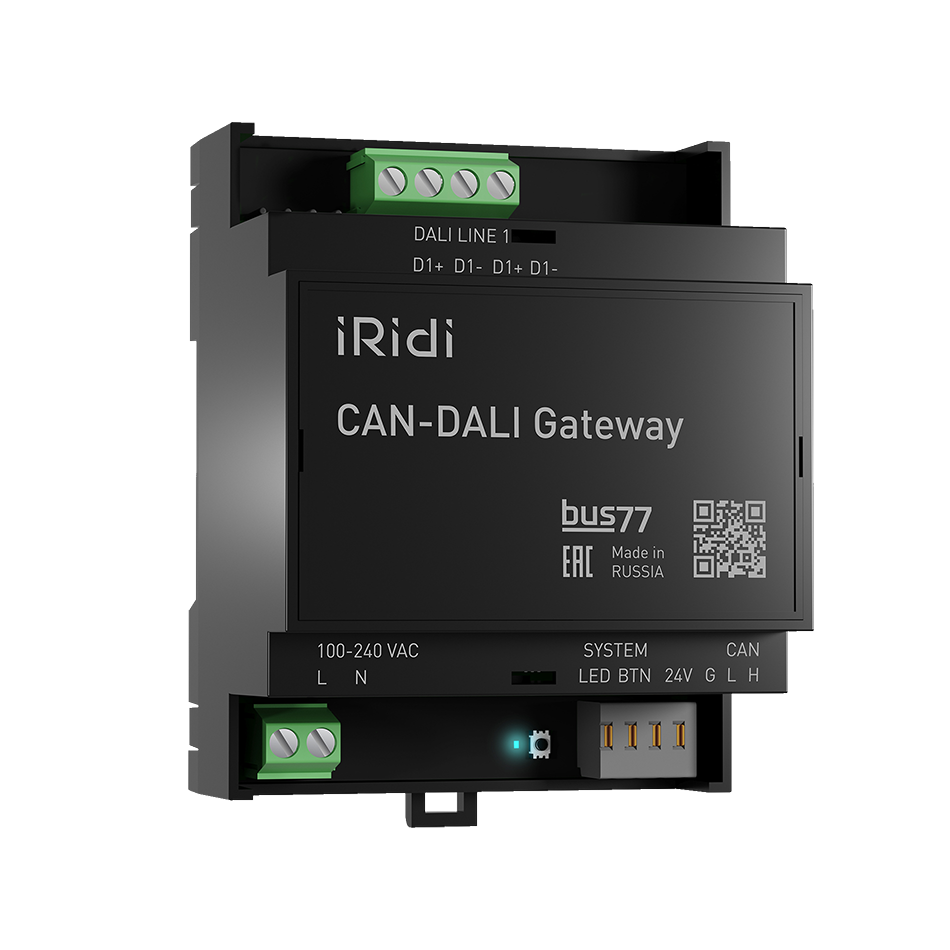
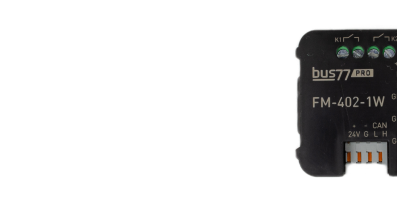
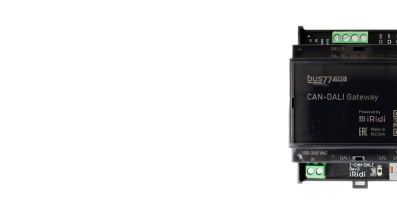
Provide local and remote connections to the bus for setup, integration with other protocols and logic without a server.
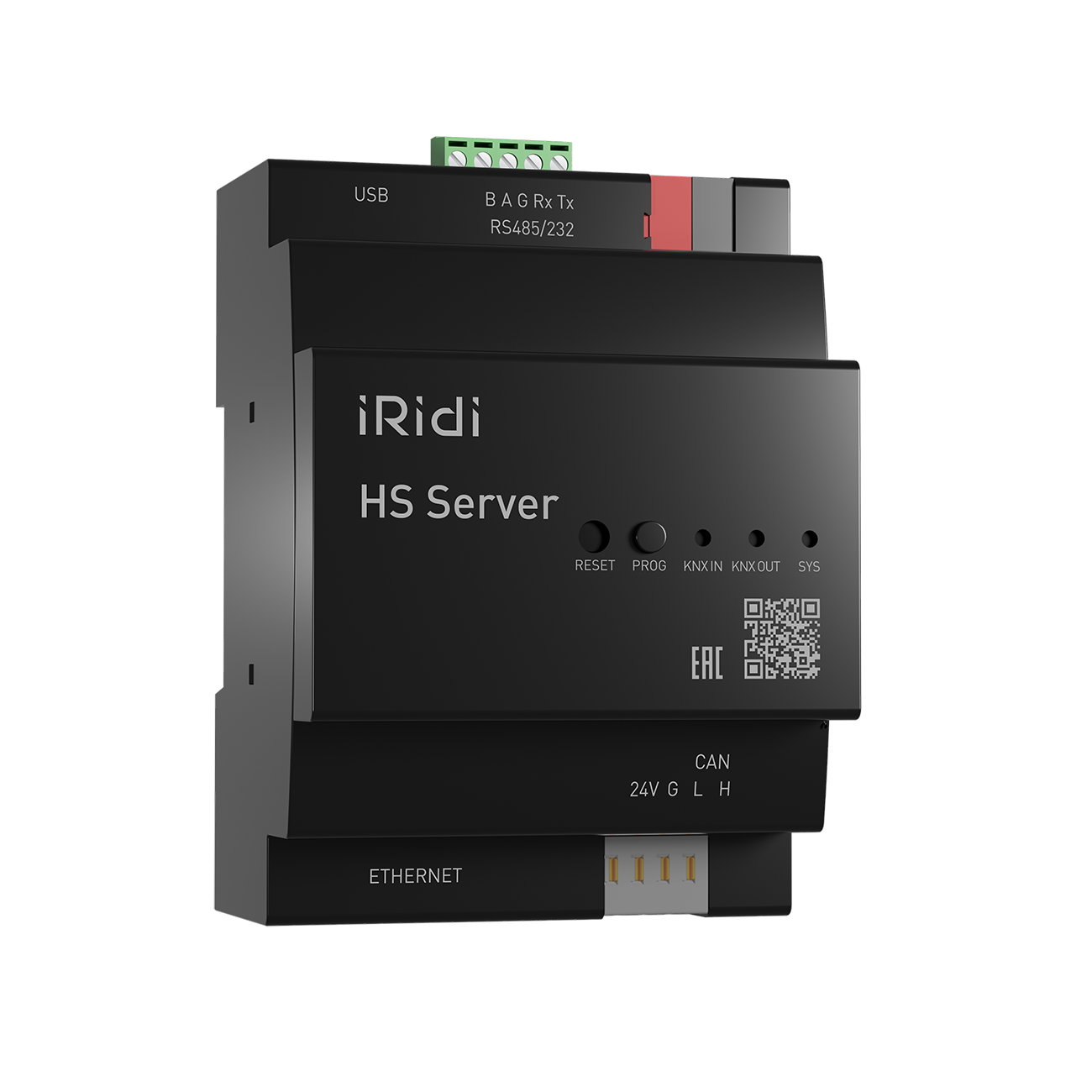
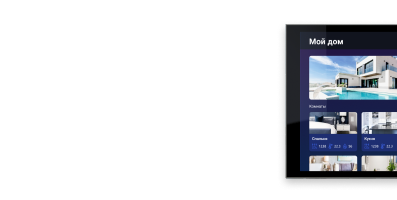
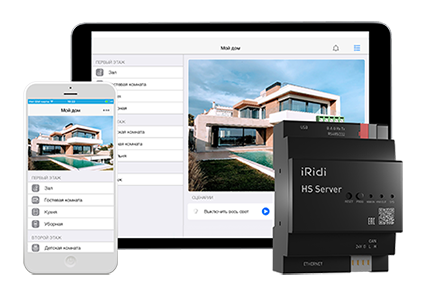
A server for quick Bus77 Pro equipment setup and project control, with scenes, schedules, voice control and internet access.
Bus77 Home Server and Bus77 Integration Server, both based on the HS Server controller, are designed for automation projects of any size, from apartments and smart homes to hotels, offices and commercial buildings. HS Server includes KNX TP1, CAN (Bus77), RS485 and RS232 interfaces as standard. USB sticks can add Zigbee and Z-Wave wireless protocols. This makes HS Server a universal gateway and a single controller for all systems.


In smaller automation projects, Bus77 Home Server expands smart home control. It provides equipment setup and monitoring, scenes and schedules, voice assistant support, user permissions and remote control through a single interface on iOS, Android and Windows devices.
 Voice and remote control
 Scenes and schedules
 User permissions
 Uninterruptible power supply
 Real time clock
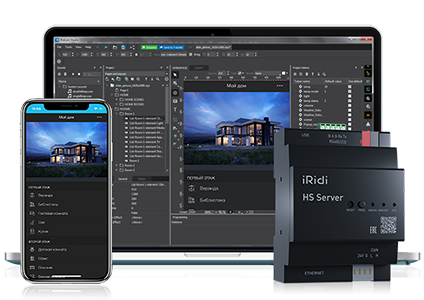
Bus77 Integration Server brings devices using different protocols and voice assistants into one system. It lets you configure their interactions and logic, create scenes and schedules, collect and analyze data, export and import databases, use voice and remote control, and send push and email notifications. Equipment integration is configured in iRidi Studio.
 Voice and remote control
 Scenes and schedules
 Custom visualization
 Standard protocol support
 Uninterruptible power supply
 Real time clock

Supported protocols have driver level integration, scanning, settings import and other features that simplify equipment setup. Voice assistant integration is also available.























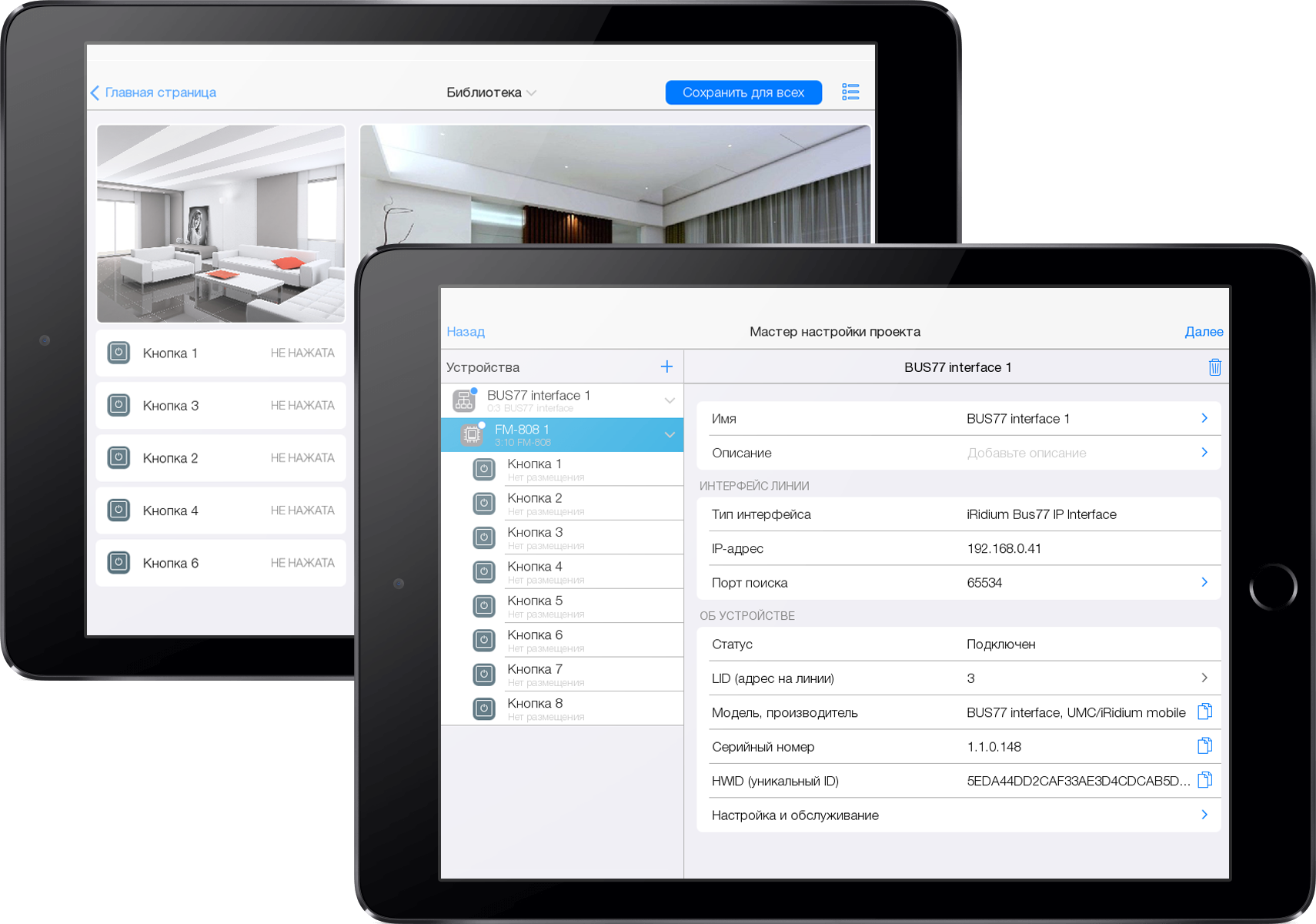
Bus77 Home is a basic equipment setup tool that lets you quickly create a standardized automation project.
Bus77 Home is designed for smart homes. It supports lighting and climate control, leak detection, and integration with IP cameras, SIP intercoms, Samsung TVs, Sonos, Bluesound, Yandex Station and Sber Salute.

Set up equipment and start using it in just a few taps. The app is intuitive and requires no programming.
Bus77 Home with an IP Interface or Bus77 Home Server can automate projects of different levels of complexity.
Configure the Bus77 bus in the Bus77 Home app, then control equipment through an interface generated automatically.
Bus77 Home can scale projects across residential developments and cottage communities.
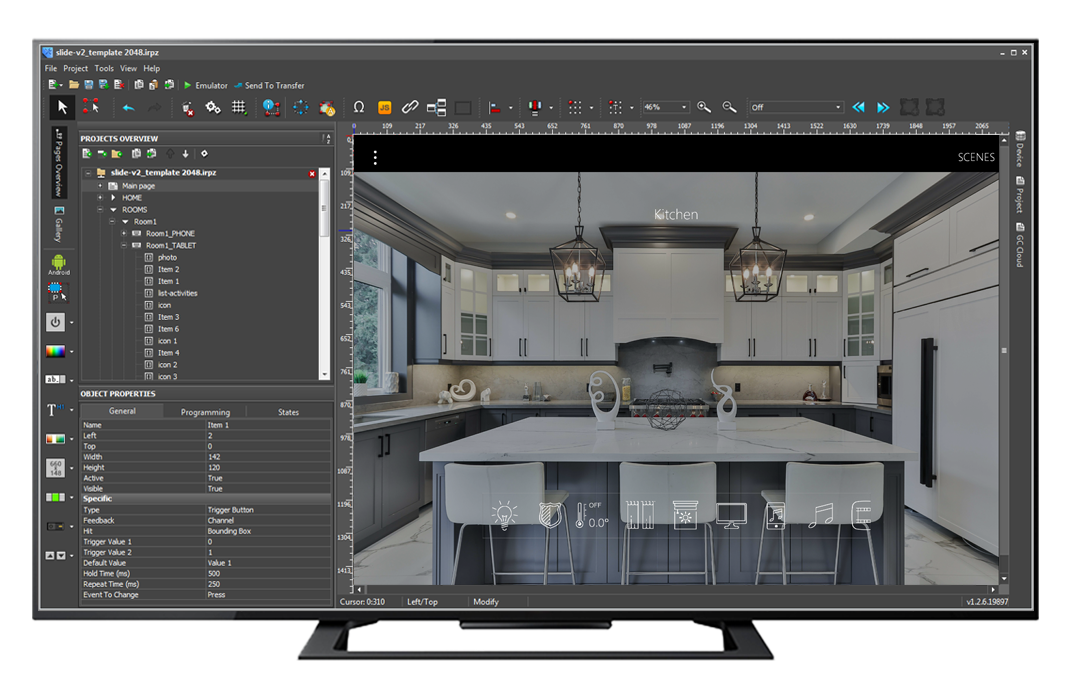
iRidi Studio lets you create the entire automation control system in one place: configure Bus77 equipment, create logic for interactions with other protocols and voice assistants, and design a control interface with no limits on style or logic.
A wide selection of graphic elements and ready made interface templates.
Add drivers quickly by scanning and importing.
Native logic includes schedules, rules, block diagrams and quick bridging. The JavaScript editor supports complex scenarios and custom drivers.
Free emulators for testing interface and server logic.
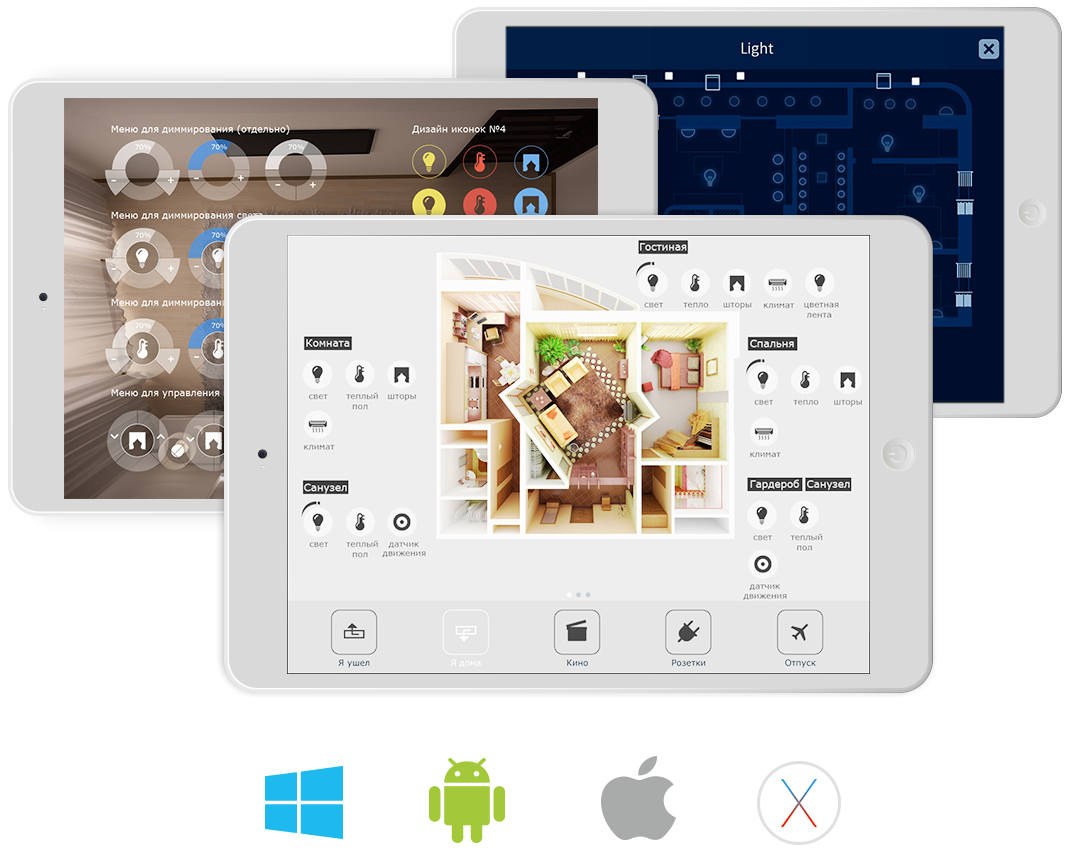
i3 Pro gives you control over your home, apartment or office from your smartphone, tablet or PC. You can control several properties at once and switch between interfaces to suit different users. For example, residents can use a visual interface while security staff use a status table.
The app can also use device features such as GPS, brightness settings and the camera. You can download a project from the cloud to a new device without contacting the integrator.
Download the catalog and explore automation options for your spaces.
Download the Bus77 catalog (Russian PDF)
An online certification course for integrators, design engineers and electricians who want to create home and commercial automation projects with Bus77 Pro.
Online
Learn more (Russian)An in person certification course for integrators, design engineers and electricians who want to learn to create home and commercial automation projects with Bus77.
Nizhny Tagil · 1 day
Learn more (Russian)Bus77 Pro lets you control smart home equipment, integrate professional automation systems and IoT devices, and create custom interfaces with distinctive graphics, navigation and control logic. It runs on the open, modern Russian Bus77 protocol, designed for reliable, fast and secure operation.
The right server depends on your goals, the equipment you use and how many panels will control the project.
No. The Bus77 Home app can communicate directly with the equipment. Bus77 Home Server or Bus77 Integration Server is needed for functions such as logic, scenes, schedules, and data collection and analysis.
Bus77 Pro suits automation projects of all sizes. You can set up smaller projects quickly in the Bus77 Home app. With iRidi Studio, you can create a custom control interface and configure equipment using more than 60 automation protocols, including KNX, DALI and BACnet.
A Bus77 Pro automation project can have up to 255 bus segments, with up to 127 devices on each segment. This supports large commercial properties, apartment buildings, business centers, and public and government buildings.
iRidi develops and manufactures Bus77 Pro. Our support team answers questions in Russian and English.
support@iridi.com
+7 (499) 322-73-29 (ext. 1)
contact@iridi.com
+7 (499) 322-73-29 (ext. 2)